Minimal onboarding
Role, grade band, subjects, and starting grade. The first run orients the app without over-collecting data.
Visual curriculum browsing and lesson planning for teachers who want to move from the week to the standards to the next support action without fighting a cluttered planner.
LessonGrid helps teachers browse the curriculum, plan the quarter and week, open the lesson, and move naturally into support artifacts like class materials, video, exports, and secure sharing.
LessonGrid is built around a clear sequence: browse the curriculum, plan the week or quarter, keep standards visible, then continue into classroom-ready support without losing context.
LessonGrid is not a pile of notes and not a generic LMS. It is a structured lesson system where browsing, planning, standards, exports, video, and generated support stay connected in one professional workflow.
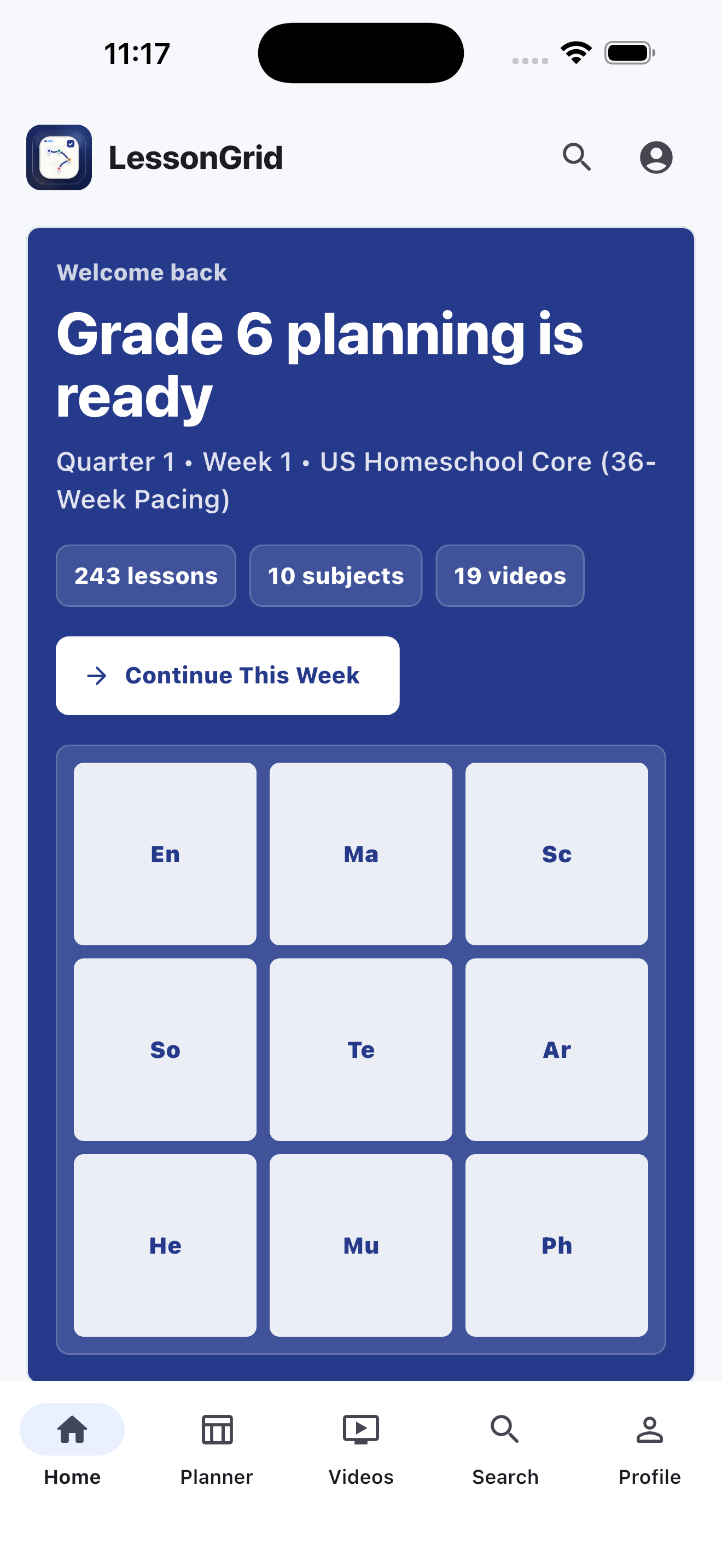
The home experience is built around context: grade, quarter, week, and the next lesson sequence. It feels like a planner first, not a content dump.
LessonGrid keeps the planner visual. You can scan the week, understand pacing, and open a lesson with enough context to know what support should come next.
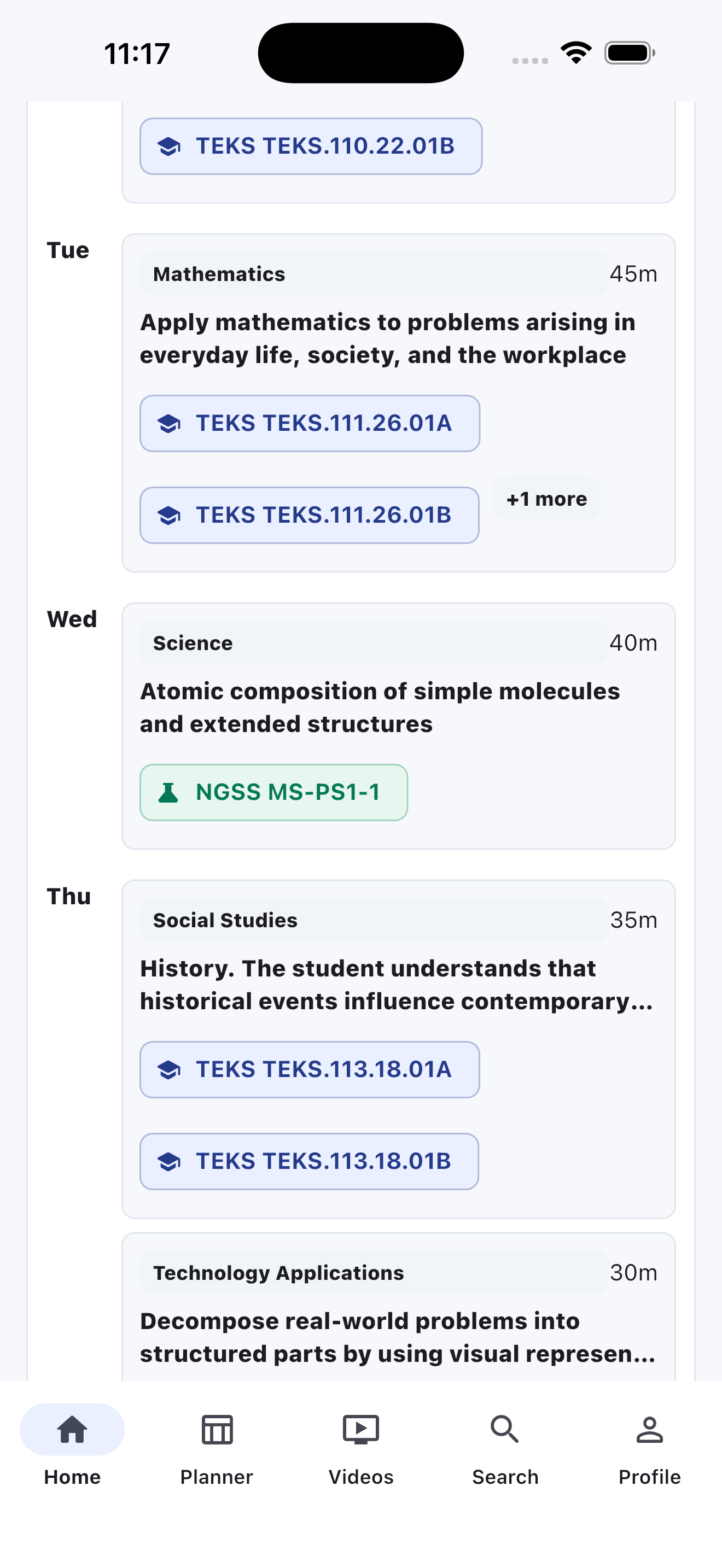
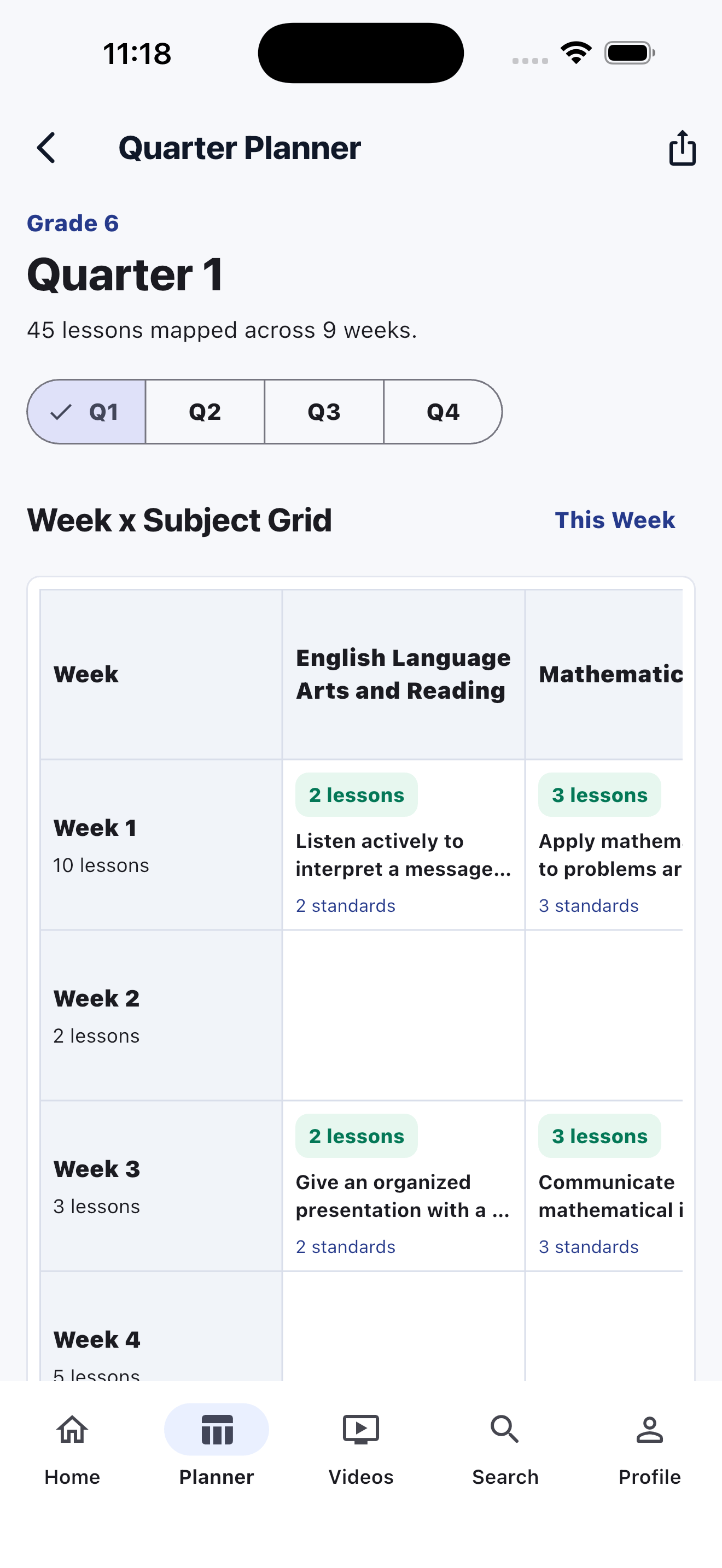
Standards are part of the lesson surface. The app keeps quarter pacing and subject coverage close together so you can explain what is being taught, when it lands, and what support materials need to stay aligned.
The lesson page is the bridge. Once placement and standards look right, the teacher can continue into class materials, lesson video, PDF export, or secure sharing without breaking flow.
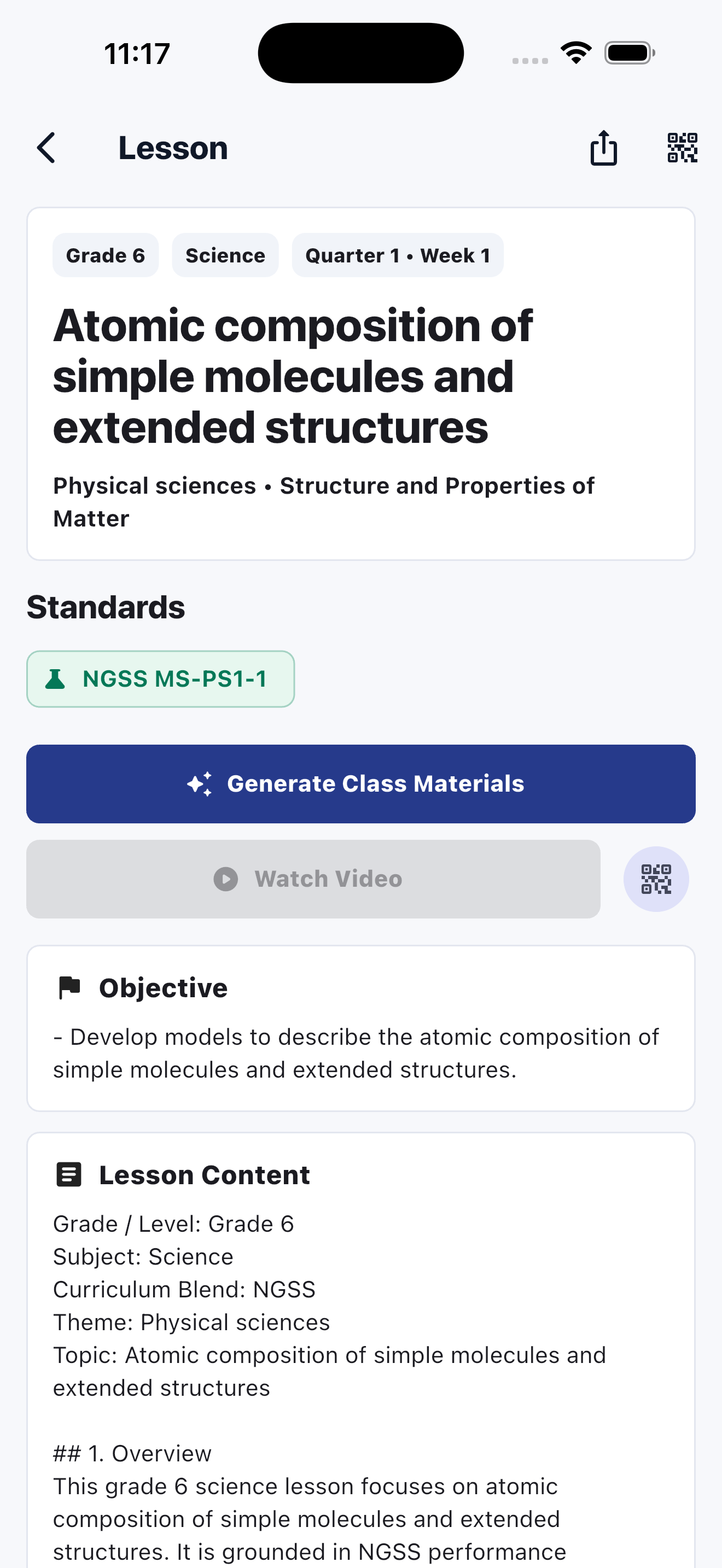
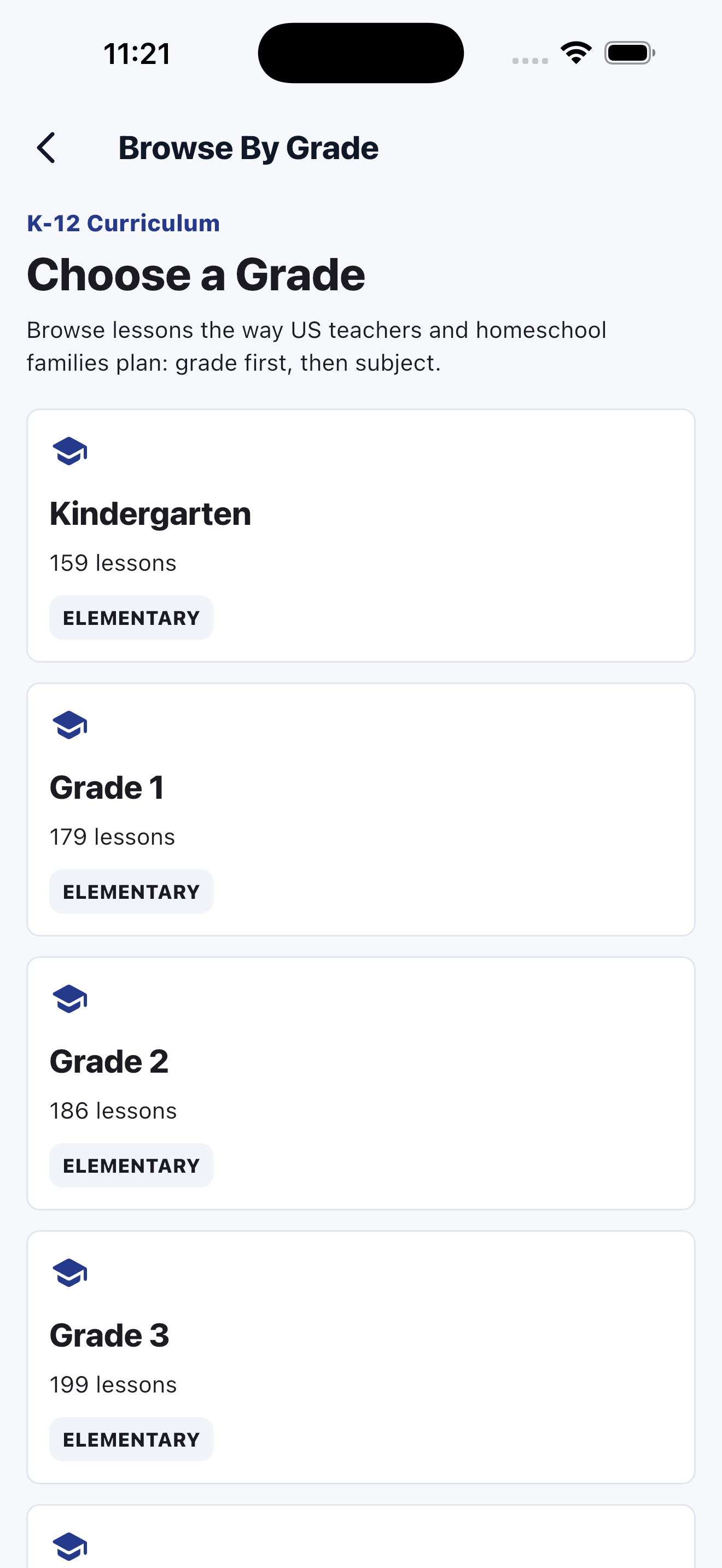
The app keeps navigation visual too. Teachers can move from grade to subject to lesson without being dropped into a cold, database-style list, which makes exploration feel much more confident before any account decision is needed.
The launch posture stays minimal: teachers can explore first, then create an account only when sync, export, or secure sharing needs identity.
Role, grade band, subjects, and starting grade. The first run orients the app without over-collecting data.
Email, password, display name, and professional context only when needed for account-backed features.
LessonGrid is open during launch while we earn trust with US teachers and homeschool families.
QR codes and secure links bring viewers into LessonGrid instead of pushing your content into uncontrolled sharing channels.
We are opening the full planning workflow first so teachers can adopt the product before we experiment with small in-app purchases later.
Curriculum browsing, weekly and quarter planning, standards visibility, exports, video access, class materials, and secure sharing.
We want an inroad into the US teacher market before introducing any paid extras.
Small in-app purchases may be introduced later for optional add-ons once the core product has real adoption.